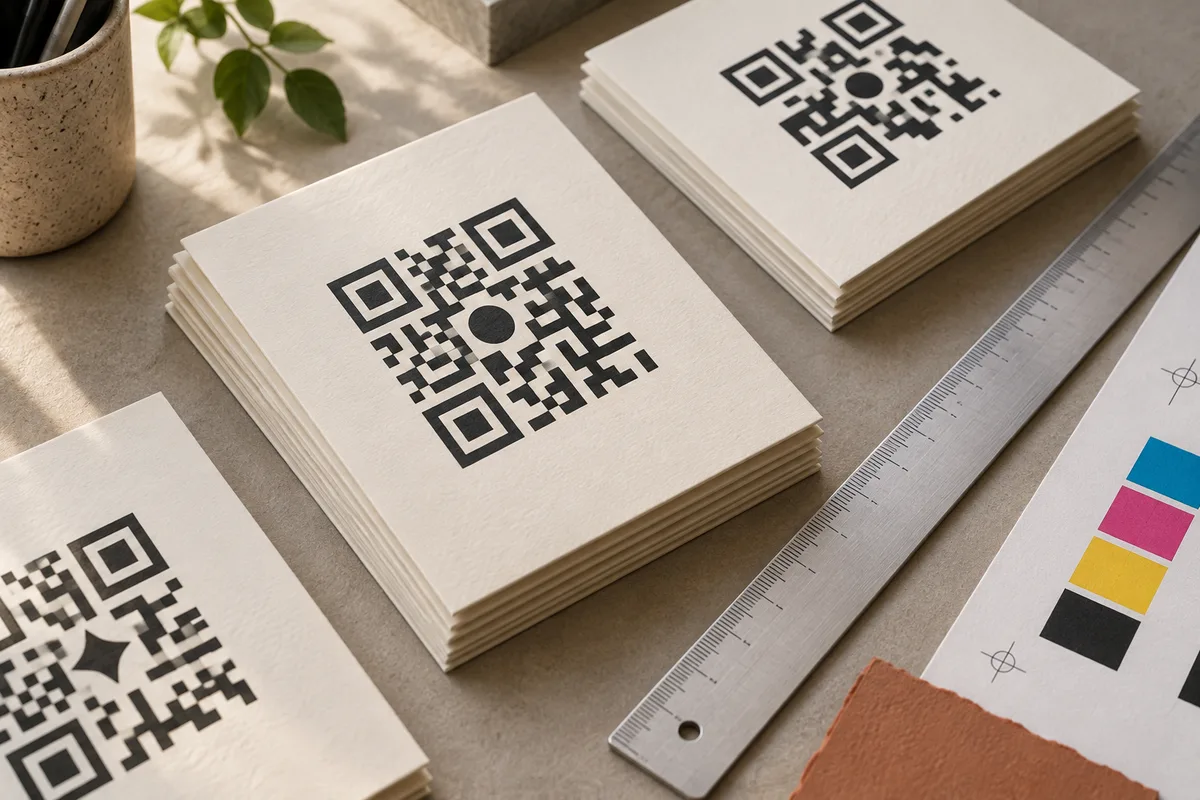
A QR code can look excellent on a large, bright monitor and struggle on a small, glossy label. The artwork hasn’t changed, but the conditions have.
The safest moment to discover that problem is before the full print run. Treat the code as a functional part of the design: give it a specification, make a proof, and test the finished object.
Start with the actual link
Encode the final destination before choosing the available space. The amount of encoded data and the error-correction setting affect the number of modules in the symbol. A longer link can produce a denser code.
Avoid unnecessary parameters, but keep the campaign tags that your measurement plan actually needs. If you change the URL after approving the artwork, generate a new code and repeat the test. Don’t assume the geometry will stay identical.
Our print-size calculator uses your actual URL and the same Q error-correction level as the free generator. It reports the symbol dimensions rather than guessing from the length of the text.
Include the space around it
A QR code needs a quiet zone four modules wide on all sides. DENSO WAVE’s code-area guidance describes this margin and how module dimensions translate into a physical print size.
If a symbol has 29 modules across, the quiet zone brings the full artwork to 37 modules across: 29 plus four on each side. At a chosen module size of 0.8 mm, the total width is 29.6 mm. The clear margin on each side is 3.2 mm.
Those numbers illustrate the geometry; they are not a universal minimum size or a guaranteed scanning distance. The right size depends on the code, printer, surface, camera, and conditions. A hand-held label and a sign across a room need different tests.
Keep captions, borders, illustrations, and cut lines outside the quiet zone. Cropping the white space can damage usability even if every dark module remains intact.
Keep the edges crisp
Use vector artwork such as SVG when your print workflow supports it. A vector file can be scaled without turning the module edges into a blurry image. Confirm with your printer how the artwork will be handled in the final production file.
If a raster image is required, calculate enough pixels for the intended physical size and output resolution. Don’t stretch a small image and assume a higher export DPI will restore missing detail. Avoid repeated resizing and compression that introduces artifacts around the edges.
For reference, physical millimeters convert to printer pixels as mm ÷ 25.4 × DPI. Our calculator also shows printer dots per module. It flags settings below four dots per module as a prompt to increase resolution or module size and make a physical proof—not as a promise that every setting above that number will work.
Test the material, not just the file
Gloss can introduce glare. Curved packaging can distort a symbol. A fold can interrupt it. A textured background can interfere with its boundary. A translucent label may look different once it is on the product.
Print at the final size, apply it to the actual object, and put it in the expected environment. Try the lighting and viewing angles people will encounter. If the code is intended to be scanned at a distance, test that distance rather than holding a phone directly over the proof.
Test with more than one phone and include at least one device that isn’t the newest model in the room. A single successful scan tells you less than a consistent result across ordinary conditions.
A practical preflight checklist
- The code opens the final, correct destination.
- The destination works on a phone and matches the call to action.
- The quiet zone is intact on all four sides.
- Contrast remains clear on the finished material.
- No crop, fold, glare, or nearby graphic interferes.
- Several phones can scan it at the intended size and distance.
- The approved proof matches the file going to production.
Keep the final SVG and the approved proof together with the campaign name. When someone reprints the design six months later, they should know which destination and version were tested.
Printing turns a digital decision into a physical commitment. One careful proof is a very small investment before a thousand identical surprises.